
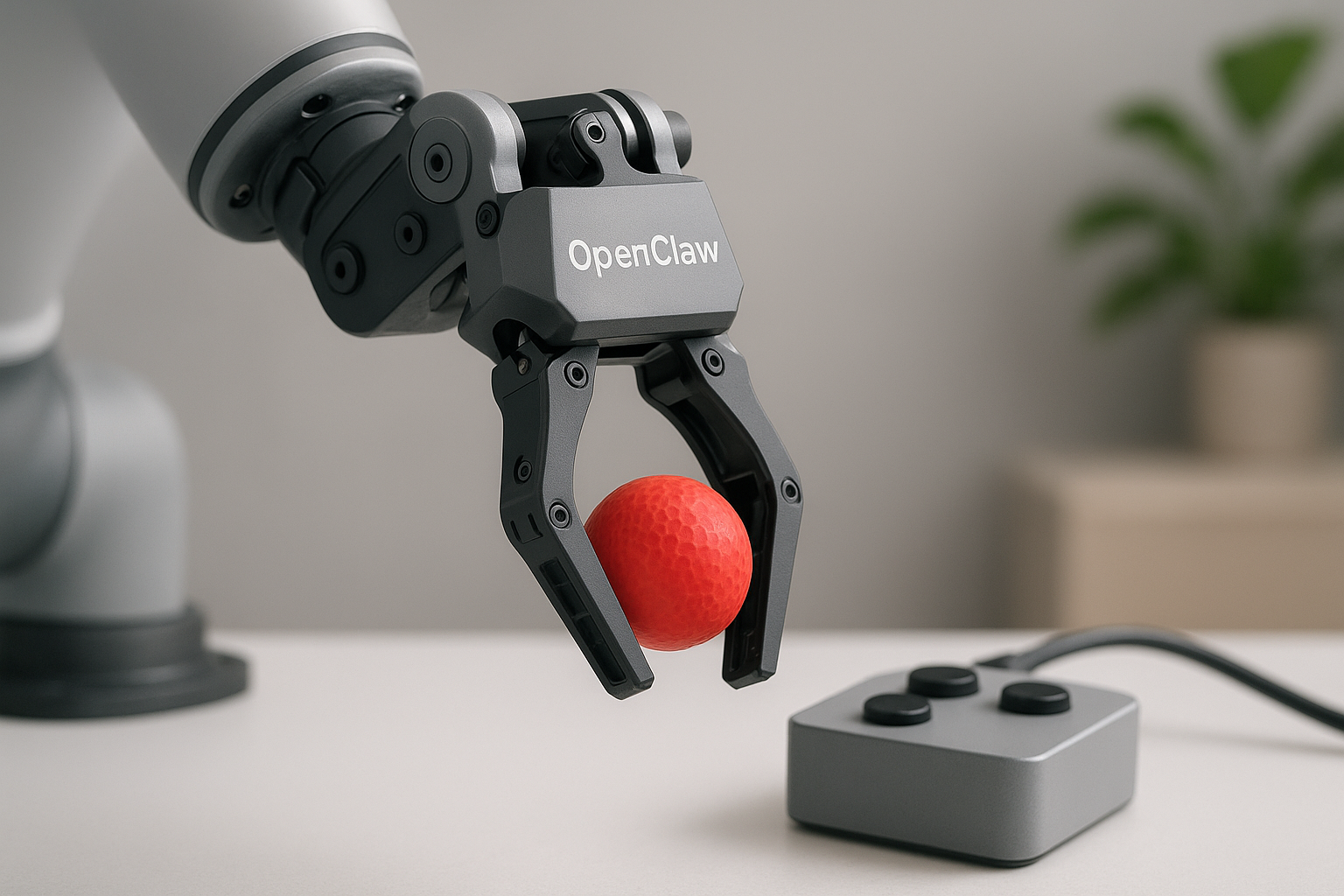
Mastering OpenClaw unlocks powerful automation and customization capabilities that can transform productivity, but it requires careful risk management to avoid costly errors. While OpenClaw can autonomously handle complex tasks like email triage and bug fixing, users must implement strict guardrails to maintain control and safety. Balancing advanced functionality with robust safeguards is essential for founders and developers aiming to harness its full potential without unintended consequences.
See also: advanced security features
Overview
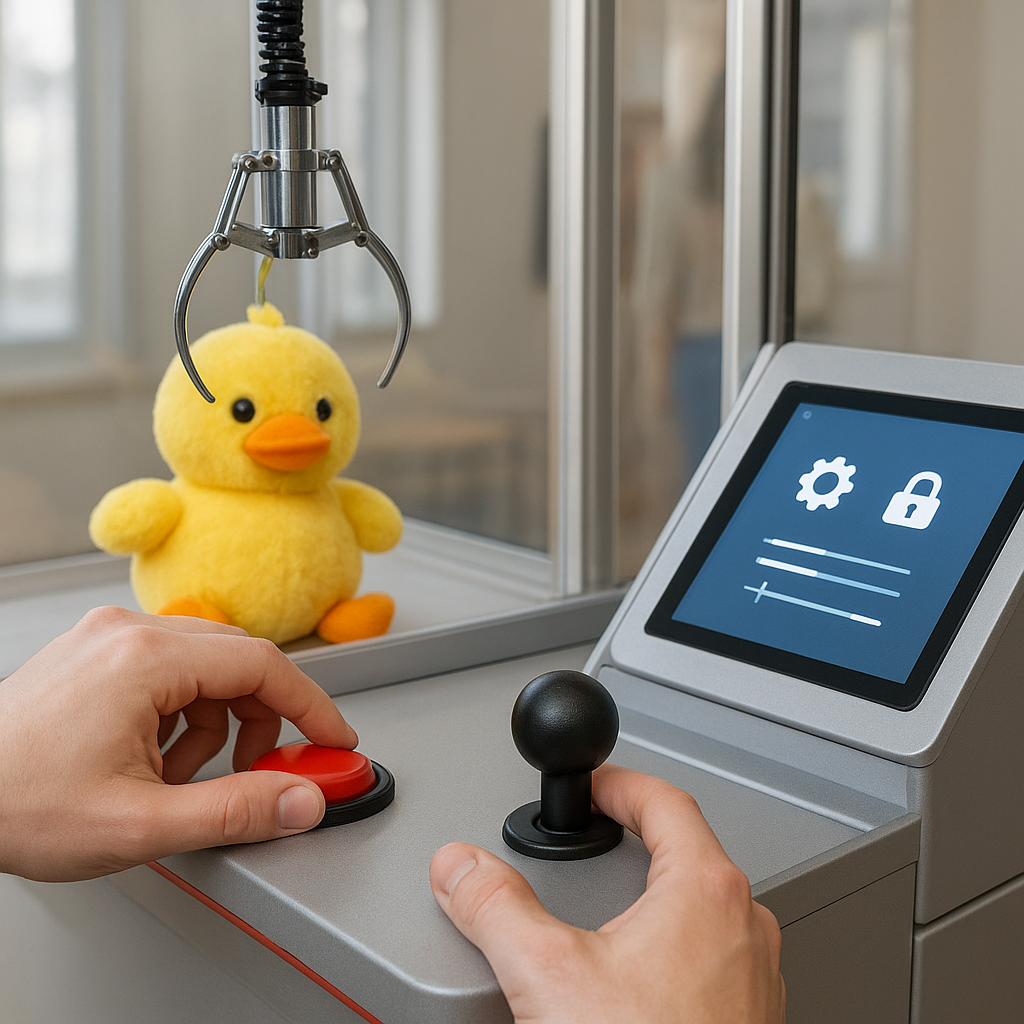
OpenClaw is a versatile AI assistant enabling founders and developers to automate complex workflows across industries, from personalized daily briefings to autonomous bug fixes. Its architecture supports multi-agent collaboration, integrating seamlessly with popular software ecosystems to enhance productivity and reduce manual effort. Long-term maintenance strategies emphasize careful permission scoping and robust guardrails to mitigate risks, such as runaway processes or costly errors. User testimonials highlight significant time savings and improved operational efficiency, while case studies demonstrate OpenClaw's adaptability in diverse business and technical environments. This comprehensive approach balances powerful automation capabilities with essential safety measures for sustainable AI-driven operations.
Key takeaways
- OpenClaw automates daily tasks like calendar checks, weather updates, and email triage with scheduled cron jobs.
- User setups include personalized newsletters, email unsubscribing, and drafting investor emails to save hours.
- Multi-agent orchestration enables complex workflows like PR reviews and autonomous bug fixes with strict permission scopes.
- Guardrails such as retry limits and timeout settings prevent costly errors like runaway API calls.
- Integration with devices like TRMNL e-ink displays and IoT cameras enables context-aware automations.
- Skills and memory management use AGENTS.md and SOUL.md files plus Quick Markdown Search for efficient knowledge retrieval.
- Autonomous code generation and deployment demonstrate OpenClaw's potential beyond assistant roles into active development.
Decision Guide
- Choose Cloudflare Worker deployment when avoiding hardware costs.
- Use draft-only mode for email responses if preserving human review is critical.
- Implement multi-agent orchestration for complex workflows requiring specialized tasks.
- Avoid autonomous bug fixes without strict access controls and monitoring.
- Opt for QMD search when managing large volumes of personal or project files.
- Enable notifications only on anomalies to reduce alert fatigue.
- Select integration platforms based on team communication preferences.
Without strict retry limits and scoped permissions, OpenClaw agents can incur unexpected costs or perform unintended actions, highlighting the necessity of robust guardrails.
Step-by-step
Set up OpenClaw on a Mac Mini, VPS, or Cloudflare Worker to run automations continuously.
Configure daily cron jobs for personalized digests, email triage, and morning briefings.
Use multi
agent orchestration to automate complex workflows like PR creation and QA approval.
Implement guardrails such as max retry limits and scoped permissions to avoid costly errors.
Deploy QMD for efficient local file search to enhance AI memory and context handling.
Monitor OpenClaw's notifications and reports to catch issues early and ensure system health.
Leverage integrations with Telegram and other tools for real
time alerts and productivity gains.
Common mistakes
Indexing
The video lacks a canonical URL or sitemap integration for OpenClaw content, risking duplicate indexing.
Pipeline
No mention of batch processing or retry limits in automation pipelines caused costly infinite loops.
Measurement
No use of CTR or impression tracking to evaluate which OpenClaw features engage users most effectively.
Indexing
Absence of robots.txt directives to control crawler access to dynamically generated automation pages.
Pipeline
Insufficient internal link templates hinder discoverability of related OpenClaw tutorials and case studies.
Measurement
Reliance on anecdotal testimonials without GA4 or GSC data to quantify productivity gains and user retention.
Conclusion
OpenClaw works best when carefully configured with proper guardrails, making it ideal for automating routine tasks, email triage, multi-agent workflows, and integrating with software ecosystems to boost productivity and responsiveness. However, it can fail or cause costly errors if left unchecked, such as infinite retry loops or overly autonomous actions without human review, highlighting the necessity of strict permission settings, monitoring, and manual oversight to ensure safety and reliability.